How it works
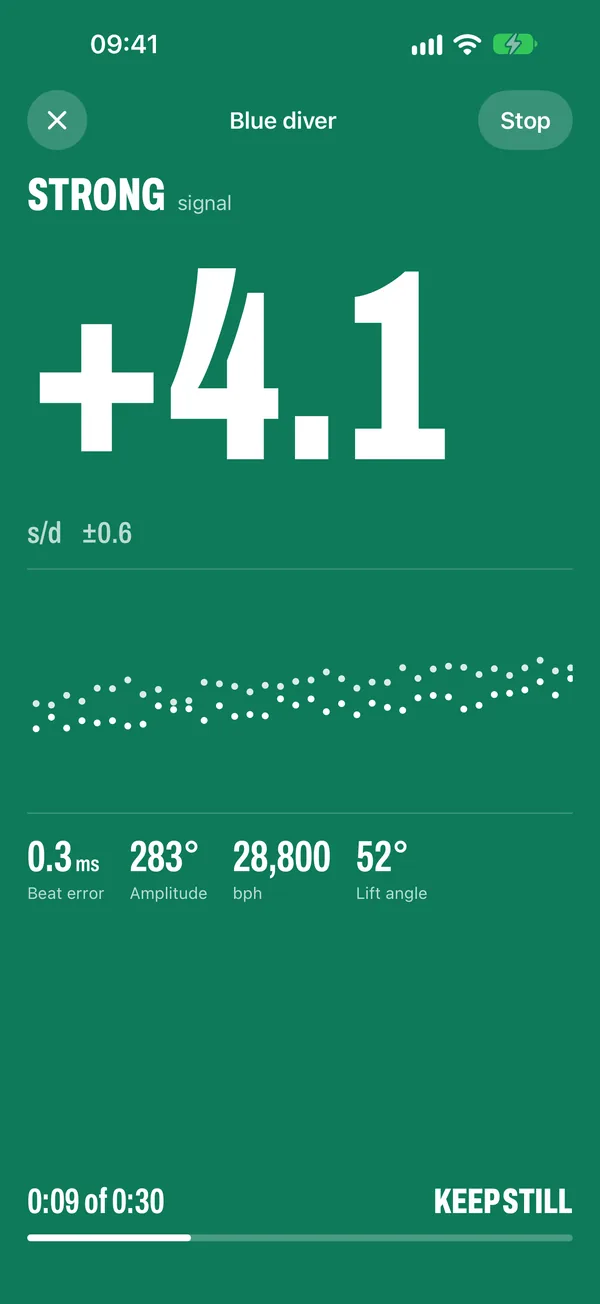
Place the iPhone flat with its bottom edge touching the crown.
Lay the watch dial up on a folded towel or mouse pad. The microphone is on the bottom edge.
Keep still for 30 seconds.
Don't touch the phone or the table. A quiet room helps.
Read rate, beat error and amplitude.
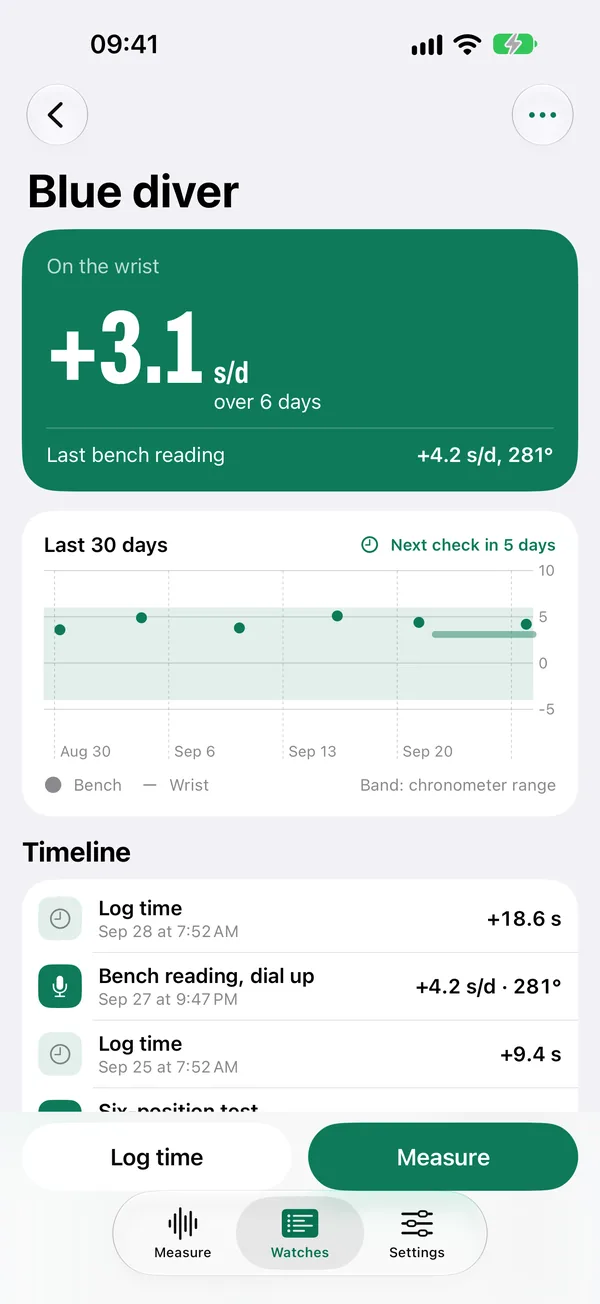
Save the reading to the watch's timeline, or measure again to confirm.
Honest numbers
Readings are estimates from the phone's microphone, not a bench timegrapher. Every number comes with its uncertainty, right next to it.
When Tockwise can't hear the watch clearly, it says so instead of guessing.
+4.2
s/d ±0.6
Can't hear the watch yet.
Move the crown closer to the bottom edge.
What it does
Bench readings
Rate, beat error and amplitude from the iPhone microphone in about 30 seconds, with a live timegraph.
Wrist timing against atomic time
Log your watch against time.apple.com each morning to see how it runs over several days.
Six-position test
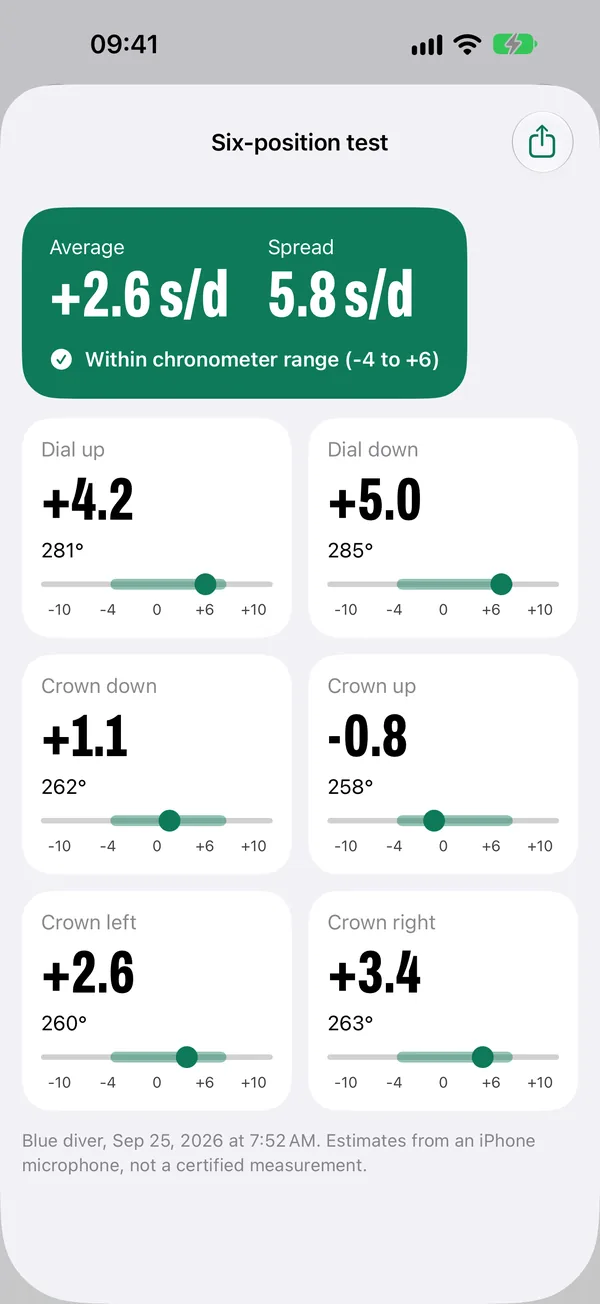
The app tells you when to turn the watch and reports average, spread and chronometer range.
Calibre table with sources
Beat rate and lift angle for common calibres, showing where each value comes from and where sources disagree.
CSV export
Take every reading and time log into a spreadsheet. Your data, always free to export.
iCloud sync
Keep watches and history on all your iPhones and iPads through your own iCloud.
Pricing
Free
$0
- Unlimited measuring
- One watch
- Last 10 readings
- Time logs
- CSV export
Pro, one-time
$9.99 once
- Unlimited watches and history
- Six-position reports and PDF
- Precision runs
- Charts and comparison
- iCloud sync
- Widgets
- Reminders
No trial. No subscription.